
Branding Guidelines
Onondaga Community College's (OCC) brand standards promote a recognizable identity for our college, our region, across our state, and beyond.
Our brand is more than just a logo: it’s how our current students, prospective students, faculty, staff, and community members view us and our work. It’s a verbal and visual shorthand that differentiates OCC from other schools while collectively identifying who we are and the services we provide.
A professional brand is built on discipline and cohesion across the entire institution and extends into the communities we serve. It provides guidance on how the brand is expressed internally (on campus) as well as externally (off campus) using a wide variety of mediums (signage, buildings, communications, spirit wear, social media posts, athletics, and advertisements, for example).
Using the Logo
When to use the Logo
The College logo should be used on all media directed at external audiences: prospective students, their parents, or the general public.
- postcards
- viewbooks
- brochures
- t-shirts
- bumper stickers
- billboards
- websites
- social media posts
- College letterhead
- business cards

When to use the Icon
The icon is primarily used for internal audience situations (current students, alumni, employees).
Otherwise, it may be used in situations where the College identity is obvious in context or explained elsewhere in the surrounding text.

When to use the Crest
The full color crest is only ever used for letterhead, official College documents, and formal ceremonies. It is the official seal of the institution. In every other usage, the allowable colors are white and black. There is a gilded crest, but it is only ever used for the College President.
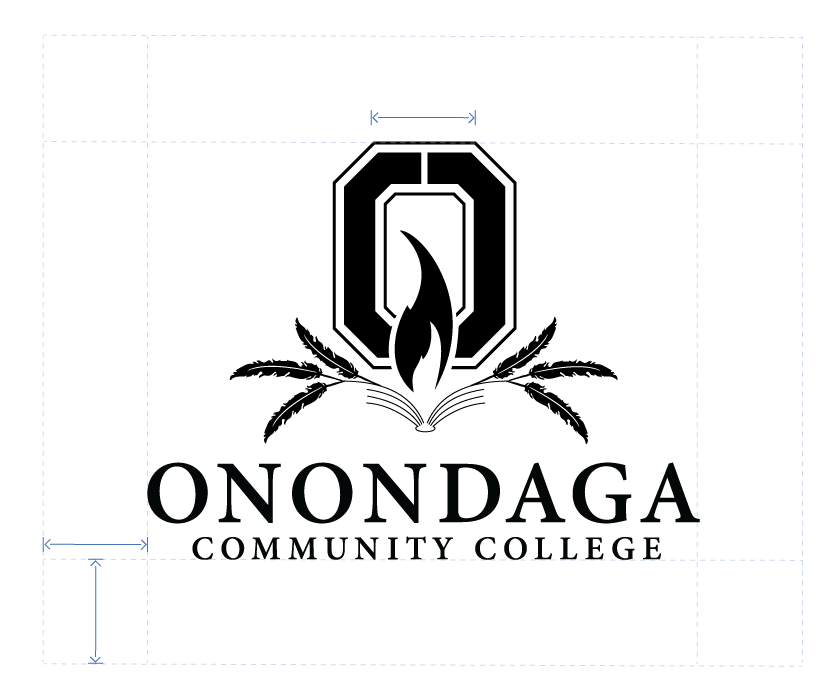
- The typeface is Minion Pro semibold.
- Whitespace should be what is shown here.
Whitespace
The logo needs some room to breathe. Please provide one "O" worth of empty space around the logo to distance it from neighboring text or the outer edges of your physical object.

Contrast
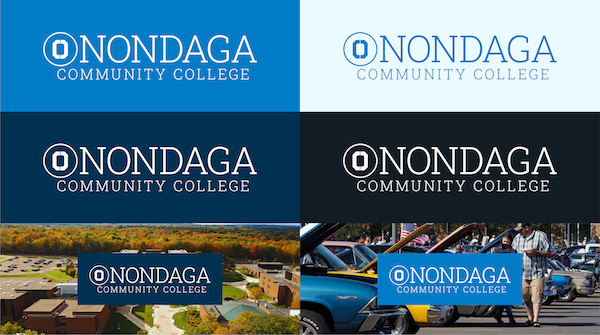
The logo needs to stand out. Please ensure adequate visual contrast between the logo and its background. For examples of alternate color combinations, please refer to the College Color Palette.
Cropping
Only the icon may be cropped. Please ensure that the inner "O" is always fully visible.

Watermark
It is OK to use the icon as a watermark in creative graphic design. In these cases, you can decrease the visual contrast for a more subtle effect.

Replacing O's in words
Please don't replace o's in words with the icon. The only situation where this is permitted is in the College Logo.

Stretching / Squashing
Please maintain the logo's natural proportions.

Rotation
Please don't rotate the logo or icon.

Altering the Font
Please don't attempt to recreate, replace, or modify the font used in the logo.

Altering the Colors
Please don't change the colors of the logos provided or add gradient effects.

Adding a Dropshadow
Please don't add a dropshadow to the logo. It should be given a high contrast background instead.

Not Enough Contrast
Be sure to provide enough visual contrast between the logo and its background.

Noisy Backgrounds
If the background is too noisy, it's best to give the logo a solid color box so that it has adequate separation from the background.

Bad Color Combinations
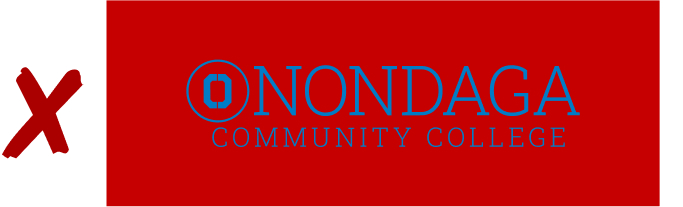
Avoid using garish or complementary color combinations with the logo.
Typefaces
Used in the College logo. Typically used for headings.
Roboto Slab Black
Roboto Slab Bold
Roboto Slab Regular
Roboto Slab Light
Roboto Slab Thin
Typically used for headings.
Montserrat Black
Montserrat Bold
Montserrat Regular
Montserrat Light
Montserrat Thin
Typically used for body copy.
Open Sans Black
Open Sans Bold
Open Sans Regular
Open Sans Light
Main Color Palette
Official Blue
HEX 003151
RGB 0 49 81
CMYK 100 40 0 68
PANTONE 2965
SHERWIN-WILLIAMS PAINT SW 9178 "In the Navy"
GILDAN 500 PMS 533 Navy
Medium Blue
HEX 007CC6
RGB 0 124 198
CMYK 100 37 0 22
PANTONE 640 C
GILDAN 500 PMS 7690 Heather Sapphire
Light Blue
HEX 74D1F8
RGB 116 209 248
CMYK 53 16 0 3
PANTONE 292 C
GILDAN 500 PMS 297 Sky
GILDAN 980 PMS 292 Baby Blue
Secondary Color Palette
"Black"
HEX 111C24
RGB 17 28 36
CMYK 53 22 0 86
PANTONE Black 6 C
GILDAN 500 PMS 7708 Midnight
Dark Grey
HEX 455159
RGB 69 81 89
CMYK 22 9 0 65
PANTONE 7545 C
GILDAN 500 PMS 7545 Dark Heather
Medium Grey
HEX 879AA7
RGB 135 154 167
CMYK 19 8 0 35
PANTONE 443 C
GILDAN 500 PMS coolgrey7 Sport Grey
Light Grey
HEX D1D4D6
RGB 209 212 214
CMYK 2 1 0 16
PANTONE 427 C
GILDAN 500 coolgrey3 Ash Grey
Schools Color Palette
School of Liberal Arts & Sciences
HEX A00000
RGB 160 0 0
CMYK 0 100 100 37
PANTONE 187 C
GILDAN 500 199 Red
School of Arts, Communication, Business & Entrepreneurship
HEX 573C81
RGB 87 60 129
CMYK 33 53 0 49
PANTONE P 97-7 C
GILDAN 500 PMC 2112 Purple
School of Technology, Engineering & Computing
HEX FF9900
RGB 255 153 0
CMYK 0 40 100 0
PANTONE 1375 C
GILDAN 500 PMS 2026 Orange
School of Health, Wellness & Human Services
HEX 00A4AF
RGB 0 164 175
CMYK 100 6 0 31
PANTONE P 122-6 C
GILDAN 500 PMS 7715 Antique Jade Dome